



With Microsoft’s rapid diversification of artificial intelligence offerings, it’s becoming increasingly difficult to navigate and make the right choices for your organisation. Tools integrated into Microsoft 365, advanced services on Azure, specialised components… the offering continues to expand while becoming more technical.
Many companies are therefore wondering where to start, how to articulate these solutions, and most importantly, when and for which needs to activate them in order to get the most out of them.
Start from Real Needs, Not Tools
Before choosing a solution, ask a simple question: what do you want to improve now?
Three objectives dominate:
- Training employees
- Equipping the organisation with integrated assistants
- Automating a specific business process
This clarification avoids “testing everything everywhere” and guides you toward the right family of tools.
Fighting Against Shadow AI
A major challenge today is the proliferation of “Shadow AI,” meaning the uncontrolled use of consumer-grade artificial intelligence tools by employees, often without validation or supervision from IT.
By integrating Copilot into your Microsoft 365 environment, you provide your teams with a reliable, secure, and compliant solution, hosted under your tenant.
This allows you to channel AI usage toward controlled tools, thereby reducing risks related to data leakage or non-compliance, while ensuring responsible and supervised adoption of innovation.
Getting Started Quickly and Securely with Copilot Chat
To introduce AI without complexity, start with Copilot Chat, included in Microsoft 365. Secured by your tenant, it replaces consumer AI and limits shadow IT. Ideal for training, it allows you to summarise documents, generate texts, or create personal agents for recurring tasks.
Copilot Chat is the entry point for Microsoft AI tools, with no additional cost and under IT control.
Targeting ROI with Copilot for Microsoft 365
When a few minutes saved per day become strategic, move to Copilot for M365 (€29/user/month). Integrated into Outlook, Word, Excel, and Teams, it automates time-consuming tasks: meeting summaries, email drafts, and data analysis.
Given the high license costs, we recommend deploying it first to high-potential populations and measuring usage to maximize ROI.
Customer usecase:
Copilot Deployment at Longchamp: From 10% to 98.6% Adoption in 6 Months
Scaling Up with Copilot Studio
For organisational needs (HR chatbot, IT support, customer relations), Copilot Studio creates business agents that orchestrate data and actions. These are enterprise solutions in terms of deployment and impact.
The design and deployment of Copilot Studio raises a major issue: the governance of your AI tools. Framing usage, limiting connectors, applying DLP policies, and tracking metrics are the questions you must answer in your governance.
When to Switch to Azure?
If your constraints exceed low-code capabilities (volume, specific models, real-time), opt for Azure AI Foundry, Azure OpenAI, AI Search, and Microsoft Fabric.
These components enable industrialisation, customisation, and advanced integration. Azure is the playing field for large-scale AI projects, but requires more substantial design and deployment efforts than previous solutions.
Prerequisites
Data Quality: An issue already present within organisations, which can be amplified during AI tool deployment.
Without reliable data, the benefits and value of your projects may not materialise. Clean and govern your M365 spaces before starting an AI project!
The Step-by-Step Path to Microsoft AI Tools
- Activate Copilot Chat to quickly train users and fight against Shadow AI by offering an internal and responsible solution to your users.
- Pilot Copilot for M365 on targeted populations and measure the benefits.
- Deploy an organisational agent via Copilot Studio.
- Scale up on Azure when volume demands it.
- Maintain governance and data quality.
Download the Copilot Tips
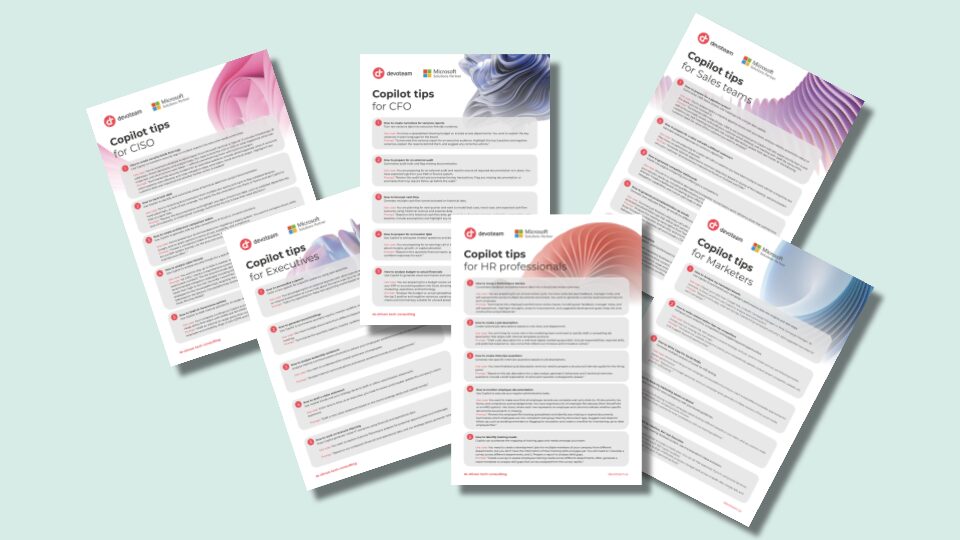
Copilot isn’t for just on role – it’s for every role!
Our team of experts compiled top Copilot tips for smarter decisions, better productivity and efficiency. Download our role-based tips for: